OpenPBS 23.06.06
Source Installation on Rocky Linux 9
This document describes how I installed OpenPBS 23.06.06 from source, configured all required services, enabled compute functionality, and validated the setup by running a sample batch job. This document was created by me as part of my self-learning to improve my skills in HPC cluster administration.
1. Download and Extract OpenPBS Source
tar xf openpbs-23.06.06.tar.gz
cd openpbs-23.06.06
ls

Why this step is required
- Extracts the OpenPBS source archive
- Moves into the source directory
- Prepares the system for building OpenPBS from source
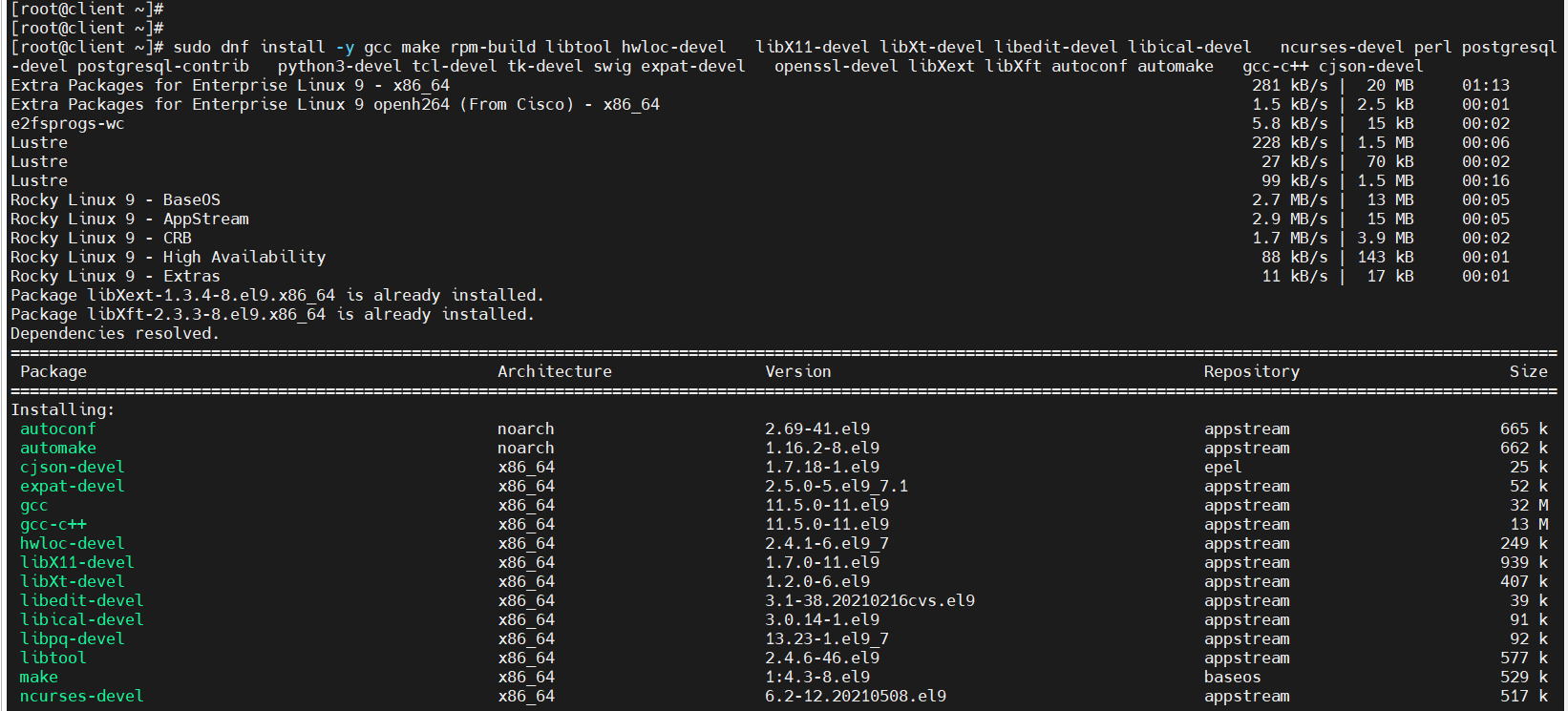
2. Install Required Dependencies
sudo dnf install -y gcc make rpm-build libtool hwloc-devel \
libX11-devel libXt-devel libedit-devel libical-devel \
ncurses-devel perl postgresql-devel postgresql-contrib \
python3-devel tcl-devel tk-devel swig expat-devel \
openssl-devel libXext libXft autoconf automake gcc-c++ cjson-devel
Why are these packages required?
- Compiler tools (
gcc,make,gcc-c++) are required to build OpenPBS binaries - Development libraries are needed for scheduler, server, and MOM components
- PostgreSQL development packages are required for database integration
- Missing packages will cause
configureormaketo fail
3. Install and Configure PostgreSQL (Required)
OpenPBS uses PostgreSQL internally to store:
- Job information
- Scheduler data
- Accounting and history records
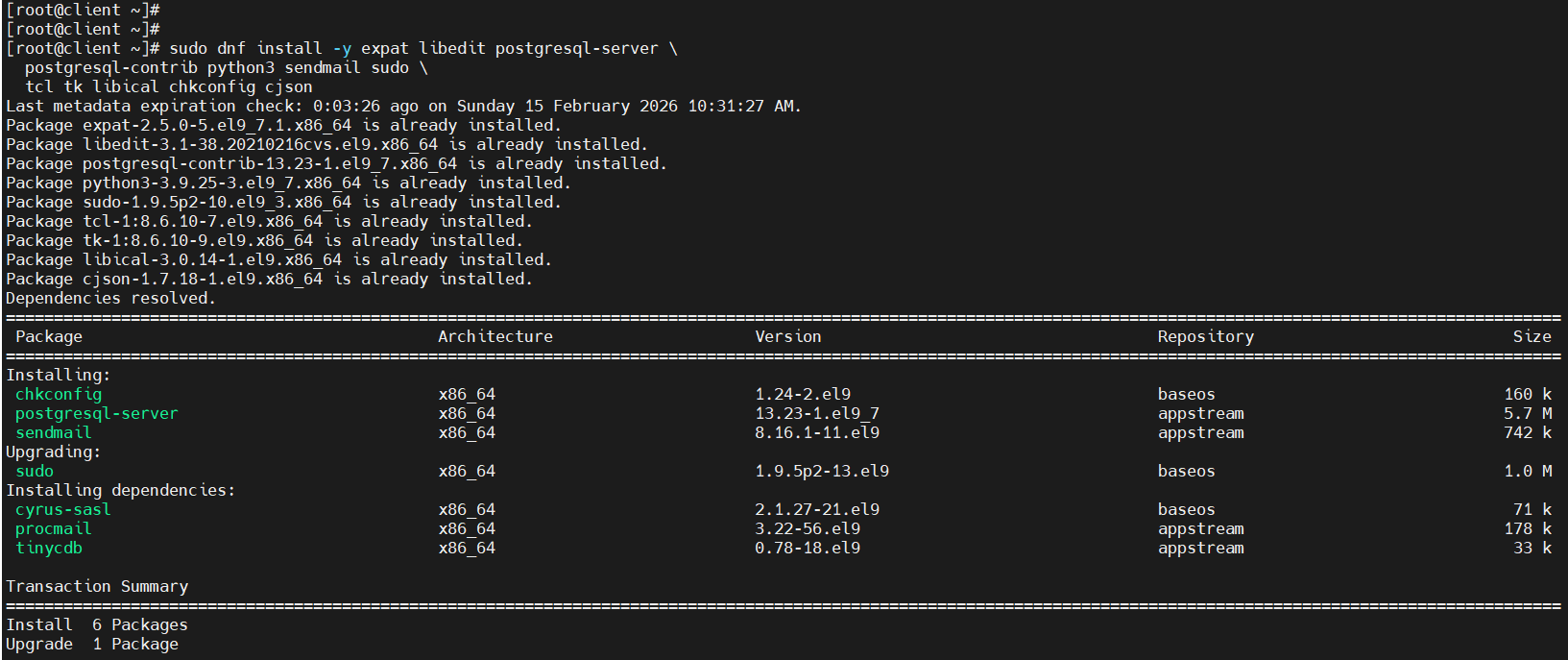
3.1 Install PostgreSQL Packages
sudo dnf install -y postgresql-server postgresql-contrib
3.2 Initialize PostgreSQL Database
sudo postgresql-setup --initdb

Why this step is required
- Creates the PostgreSQL data directory
- Mandatory before starting the PostgreSQL service
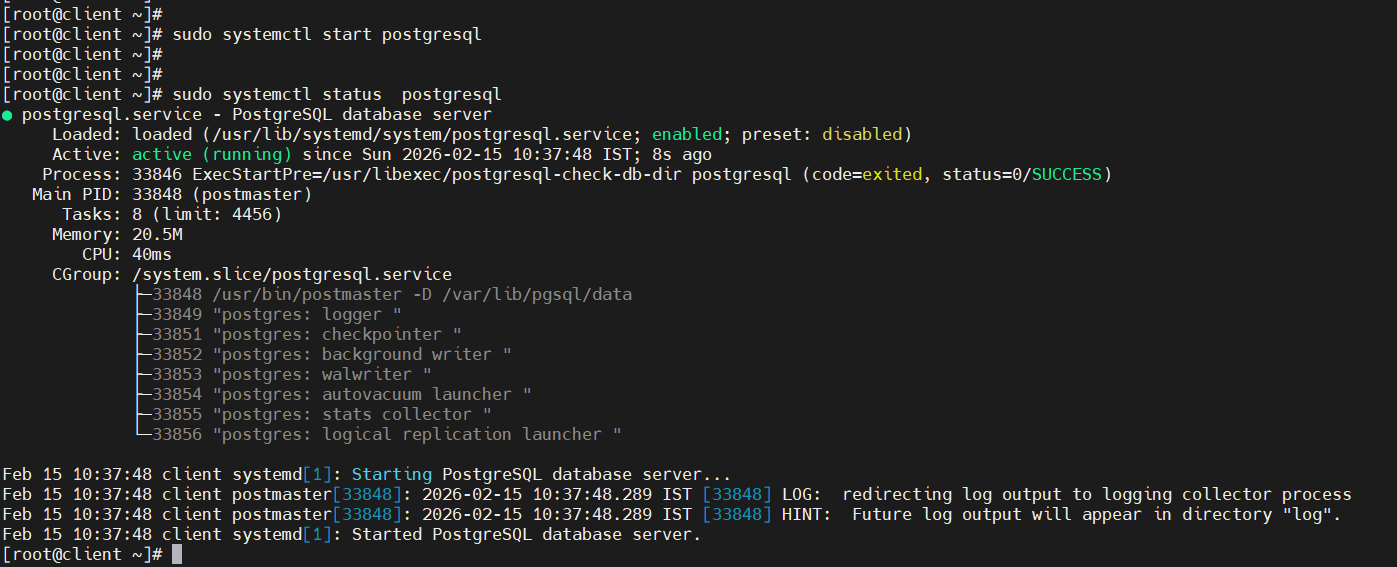
3.3 Start and Enable PostgreSQL Service
sudo systemctl start postgresql
sudo systemctl enable postgresql
systemctl status postgresql

Why this step is required
- Starts PostgreSQL immediately
- Enables PostgreSQL on system boot
- OpenPBS server will not function if PostgreSQL is not running
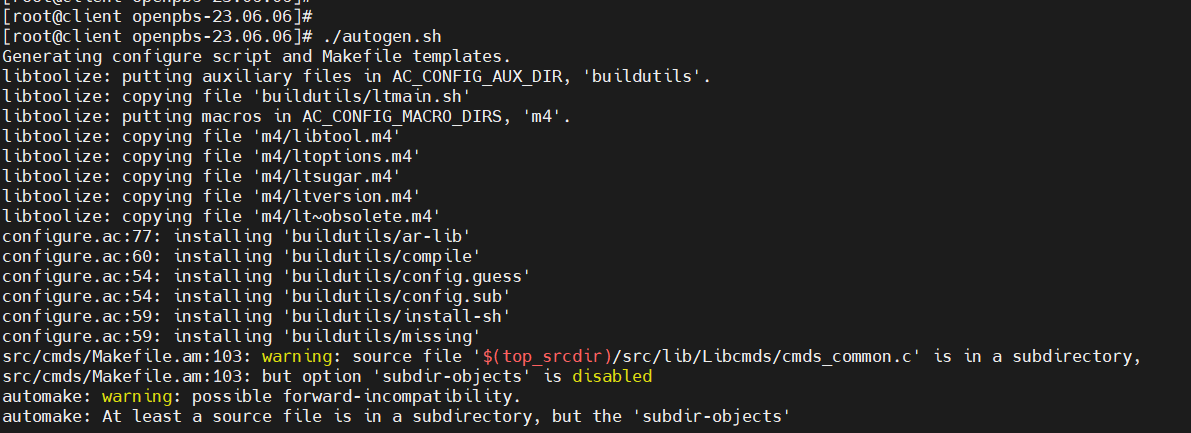
4. Generate Build Files
./autogen.sh
Why this step is required
- Generates the
configurescript - Prepares Makefiles needed to compile OpenPBS
- Warnings during this step are normal
5. Configure OpenPBS Installation Path
./configure --prefix=/opt/pbs
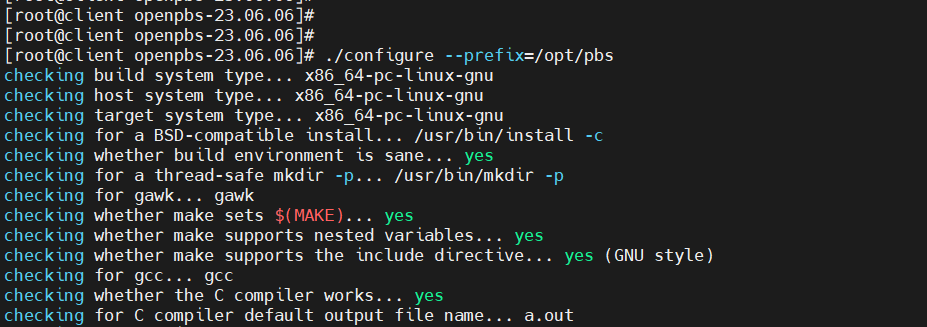
Why this step is required
- Sets
/opt/pbsas the OpenPBS installation directory - Keeps OpenPBS separate from system binaries
- Recommended for production and HPC environments
6. Compile OpenPBS Source Code
make
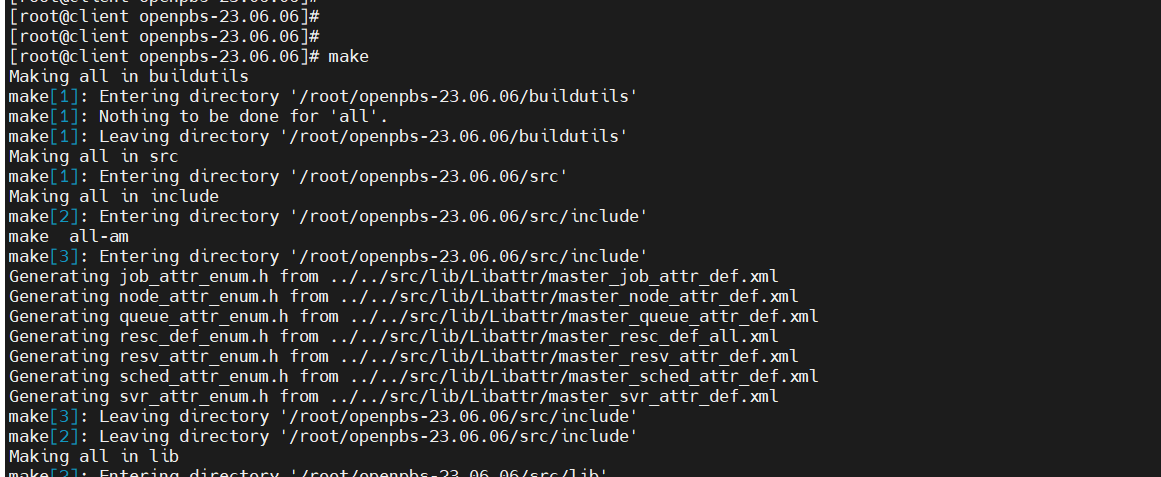
Why this step is required
-
Compiles all OpenPBS components:
-
PBS Server
- PBS Scheduler
- PBS MOM
- This step may take several minutes
7. Install OpenPBS
make install
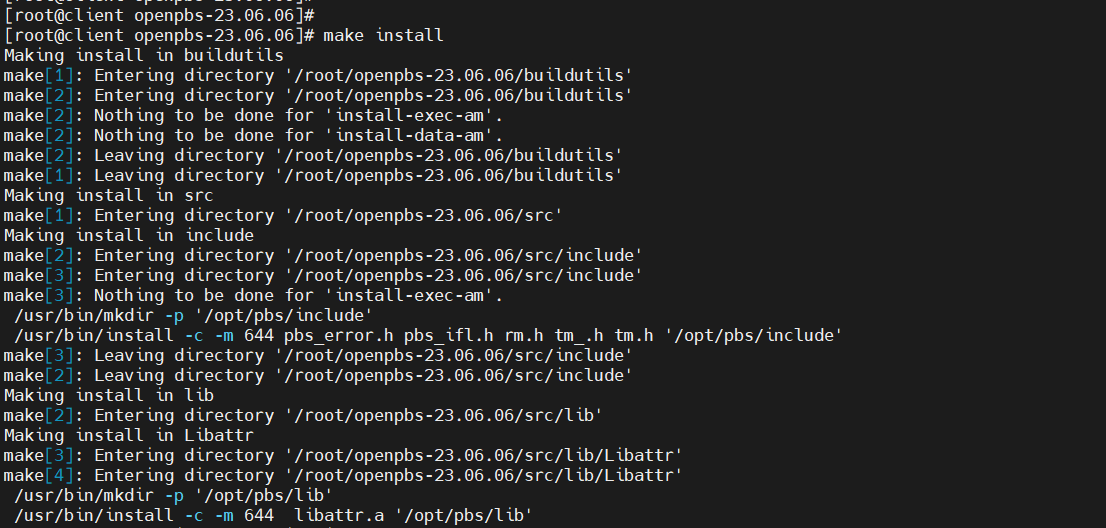
Why this step is required
- Installs compiled binaries into
/opt/pbs - Copies libraries, commands, and supporting files
8. Run OpenPBS Post-Installation Script
sudo /opt/pbs/libexec/pbs_postinstall
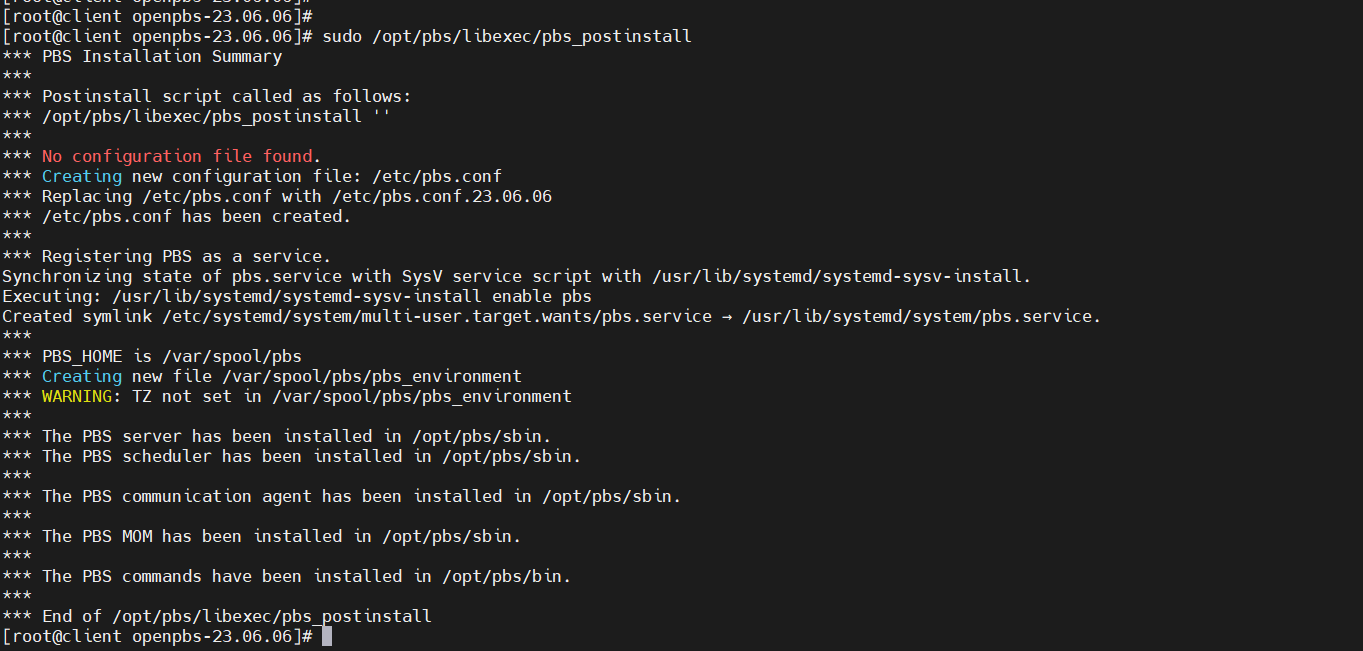
Why this step is required
- Creates
/etc/pbs.conf - Registers OpenPBS services
- Sets PBS home directory (
/var/spool/pbs)
9. Verify PBS Configuration File
cat /etc/pbs.conf
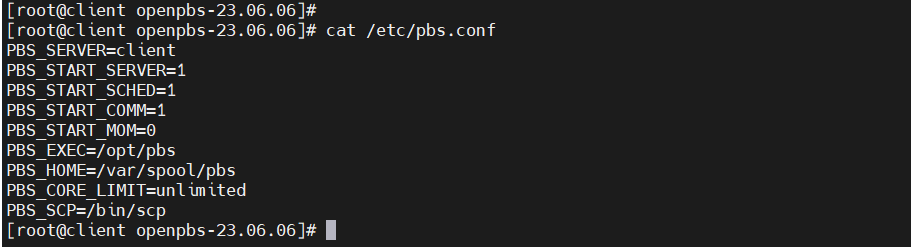
What this configuration means
PBS_SERVER=client
PBS_START_SERVER=1
PBS_START_SCHED=1
PBS_START_COMM=1
PBS_START_MOM=0
PBS_EXEC=/opt/pbs
PBS_HOME=/var/spool/pbs
-
Node is configured as:
-
PBS Server
- PBS Scheduler
- PBS Communication daemon
- MOM is disabled initially
10. Set Required Permissions
chmod 4755 /opt/pbs/sbin/pbs_rcp
chmod 4755 /opt/pbs/sbin/pbs_iff


Why this step is required
- Required for secure job execution
- Prevents permission-related job launch failures
11. Load PBS Environment
source /etc/profile.d/pbs.sh

Why this step is required
- Loads PBS commands (
qsub,qstat,pbsnodes) - Required for users to interact with OpenPBS
12. Start and Restart PBS Services
/etc/init.d/pbs start
/etc/init.d/pbs restart
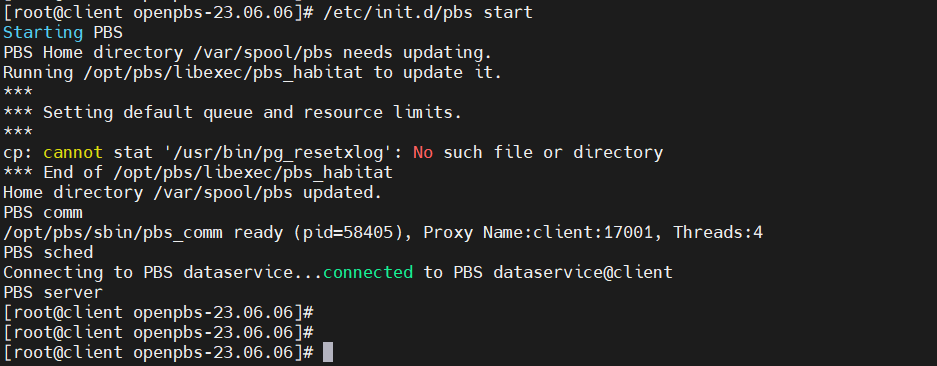
Why this step is required
- Starts all PBS components
- Restart is required after configuration changes
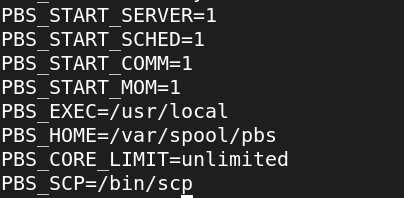
13. Enable PBS MOM on the Node
Edit /etc/pbs.conf:
PBS_START_MOM=1
Restart PBS:
/etc/init.d/pbs restart
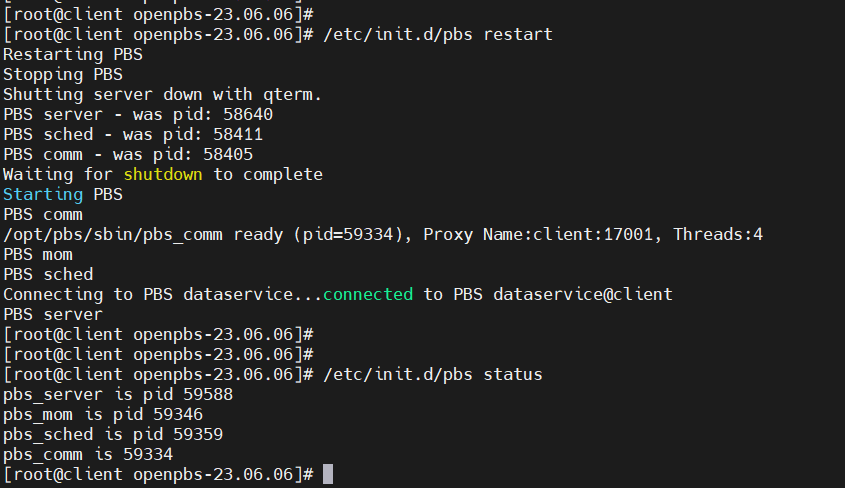
Why this step is required
- Enables compute (execution) functionality
- Without MOM, jobs cannot run
14. Add Node to the PBS Pro Configuration:
First, you need to modify the PBS Pro configuration to recognize the new nodes.
Edit the PBS Pro configuration file to include the new node:
qmgr -c "create node <node_name>"
Replace

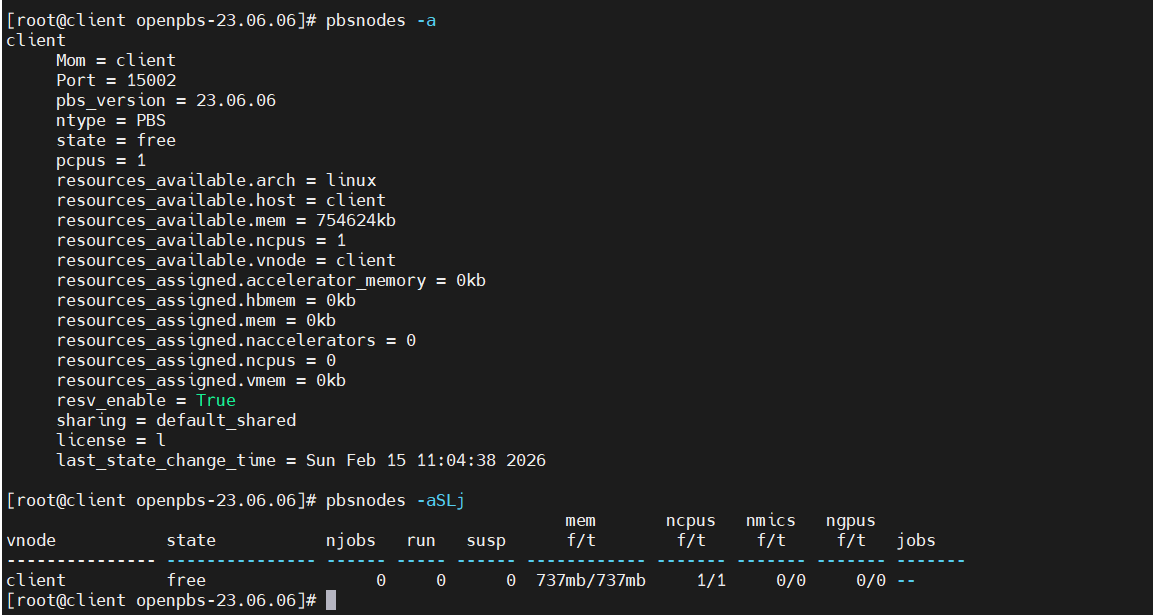
pbsnodes -a
What this shows
- Displays summarized node information
- Useful for quick health checks
15. Create Python Test Program
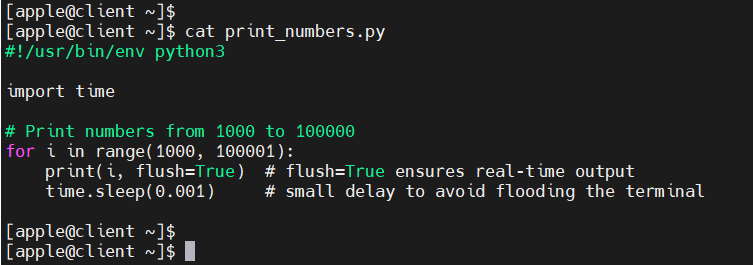
File: print_numbers.py
#!/usr/bin/env python3
import time

for i in range(1000, 100001):
    print(i, flush=True)
    time.sleep(0.001)
Why this program is used
- Simple workload to validate job execution
flush=Trueensures real-time output
16. Create PBS Job Script
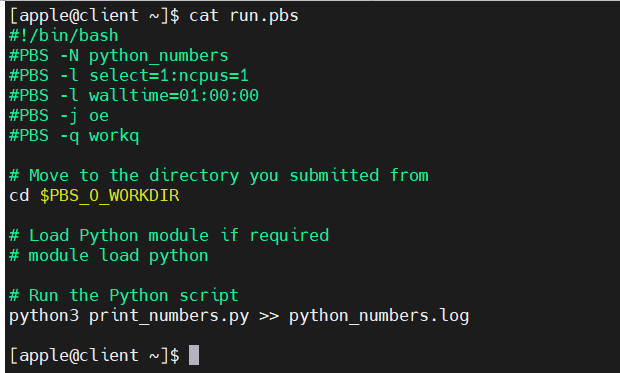
File: run.pbs
#!/bin/bash
#PBS -N python_numbers
#PBS -l select=1:ncpus=1
#PBS -l walltime=01:00:00
#PBS -j oe
#PBS -q workq

cd $PBS_O_WORKDIR
python3 print_numbers.py >> python_numbers.log
17. Submit the Job
qsub run.pbs

What happens here
- Job is submitted to PBS scheduler
- Scheduler assigns a unique Job ID
18. Monitor Job Output
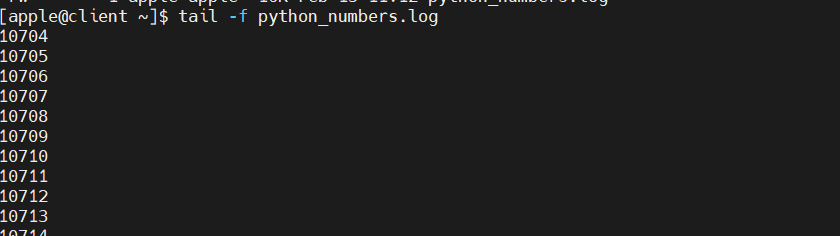
tail -f python_numbers.log
What this confirms
- Job is running correctly
- Output is generated in real time
19. Enable Job History
qmgr -c "set server job_history_enable = True"

Why this step is required
- Keeps completed job records
- Useful for auditing and troubleshooting
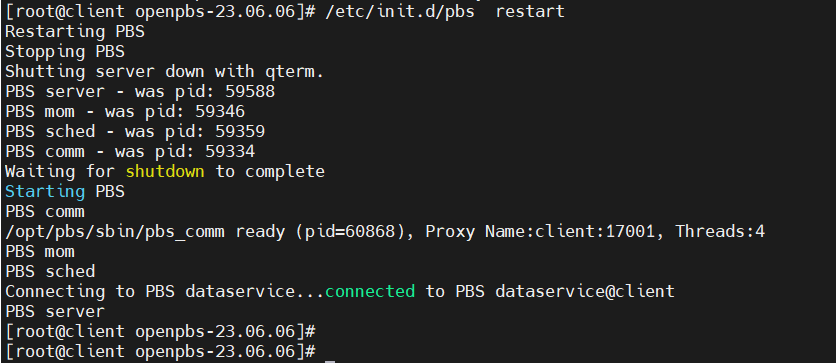
Restart PBS:
/etc/init.d/pbs restart
20. Submit Job Again and Verify History
qsub run.pbs
qstat -x
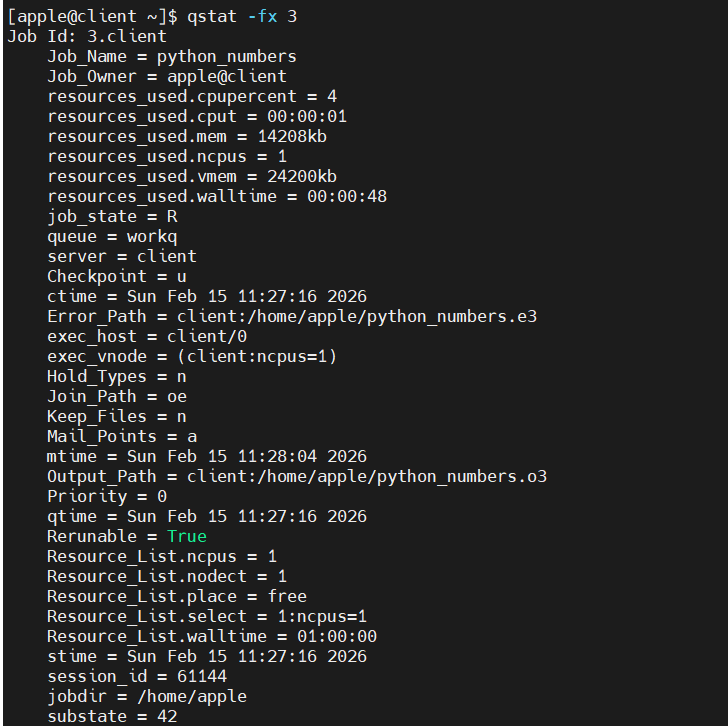
What this confirms
- Completed jobs remain visible
- Job history feature is working correctly
Final Result
- OpenPBS 23.06 installed from source
- PostgreSQL configured and running
- PBS Server, Scheduler, and MOM active
- Node registered and available
- Python batch job executed successfully
- Live output verified
- Job history enabled
One-Line Summary
Installed and configured OpenPBS 23.06 from source on Rocky Linux, integrated PostgreSQL, enabled MOM, submitted and monitored batch jobs, and validated job history as part of my self-learning in HPC administration.